YouTube Title Length Checker
100 Characters is the absolute limit, but it gets truncated after 70.
Preview
Email me your video title (also tell me what the video is about or send me a link if possible) and I will send you 2 CTR-Boosting video titles using my SECRET PSYCHOLOGY-BASED FORMULA which is PROVEN to BUILD CURIOSITY and GET PEOPLE TO CLICK, EVEN IF THEY DON’T WANT TO.
Send it over to: title@youtubetitlelengthchecker.com (I won’t spam you, promise).
What does AI say about YouTube Title Lengths?
I sent the following message to ChatGPT, Grok, Claude, and Gemini to find out about YouTube title length limits:
“How long should a YouTube title be so it doesn’t get truncated?”
These are there answers:
ChatGPT answers: “How Long Should a YouTube Title Be”
“Great question 👍
On YouTube, title truncation depends on device and placement (desktop, mobile, channel, search, etc.).
Here’s the safe length guide so your title won’t get cut off:
- Home page (desktop):
✅ Safe: ≤ 55 characters
⚠️ Truncated: 65+ characters - Home page (mobile):
✅ Safe: ≤ 50 characters
⚠️ Truncated: 60+ characters - Channel homepage (desktop):
✅ Safe: ≤ 45 characters
⚠️ Truncated: 55+ characters - Channel homepage (mobile):
✅ Safe: ≤ 40 characters
⚠️ Truncated: 45+ characters - Search results (desktop & mobile):
✅ Safe: 50–55 characters
⚠️ Truncated after that
👉 Best practice: Keep your YouTube titles around 40–50 characters. This way they won’t get cut off across most devices and will still be optimized for clicks and search engine visibility.”
Link:https://chatgpt.com/s/t_68b42f17ab788191afaf42744644de9e
Grok answers: “How Long Should a YouTube Title Be”
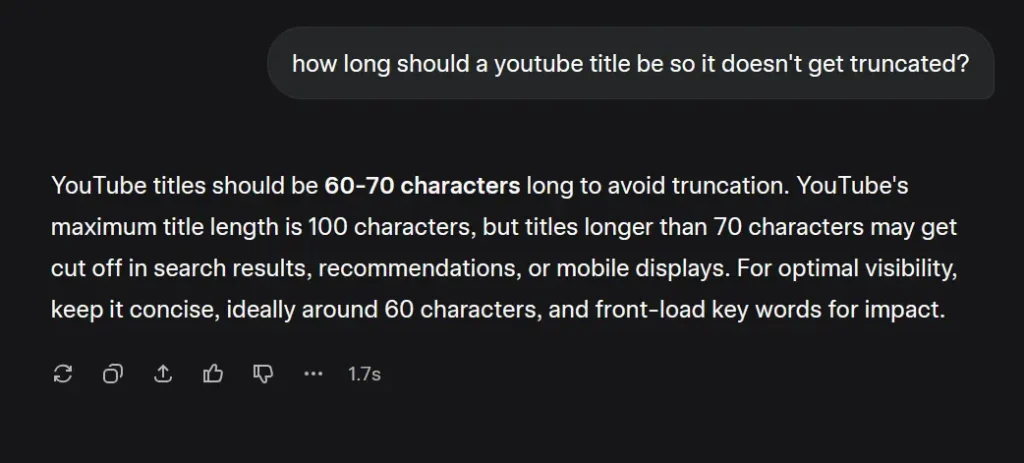
“YouTube titles should be 60-70 characters long to avoid truncation. YouTube’s maximum title length is 100 characters, but titles longer than 70 characters may get cut off in search results, recommendations, or mobile displays. For optimal visibility, keep it concise, ideally around 60 characters, and front-load key words for impact.”
Link:https://grok.com/share/bGVnYWN5LWNvcHk%3D_58cdd0a4-0ce0-4933-aedc-ea2a05d1c985
Claude answers: “How Long Should a YouTube Title Be”
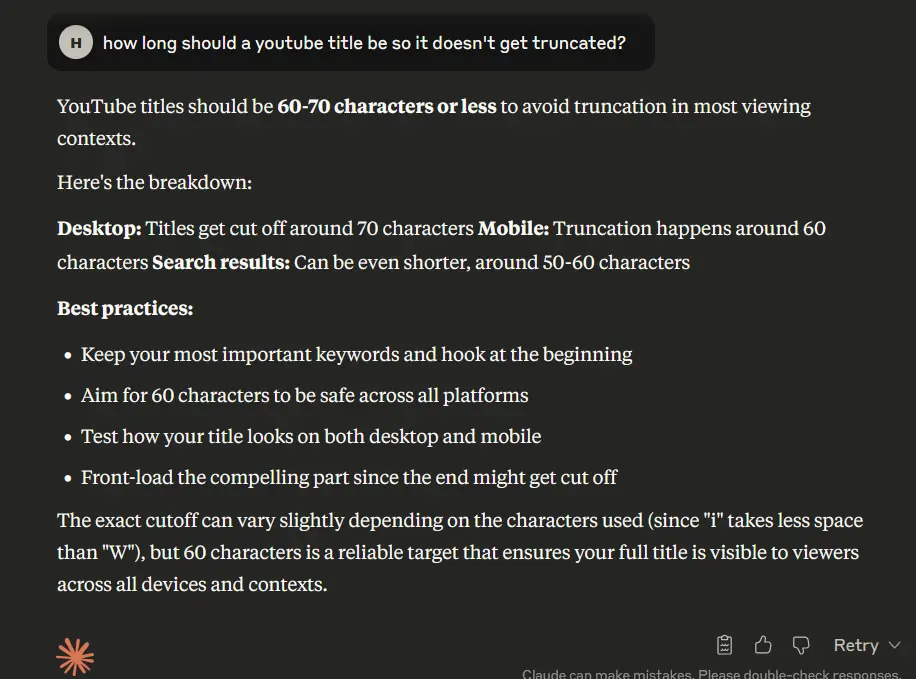
“YouTube titles should be 60-70 characters or less to avoid truncation in most viewing contexts.
Here’s the breakdown:
Desktop: Titles get cut off around 70 characters Mobile: Truncation happens around 60 characters Search results: Can be even shorter, around 50-60 characters
Best practices:
- Keep your most important keywords and hook at the beginning
- Aim for 60 characters to be safe across all platforms
- Test how your title looks on both desktop and mobile
- Front-load the compelling part since the end might get cut off
The exact cutoff can vary slightly depending on the characters used (since “i” takes less space than “W”), but 60 characters is a reliable target that ensures your full title is visible to viewers across all devices and contexts.”
Link:https://claude.ai/share/0fb24dbc-d63a-4c41-aa73-7410924e54d4
Gemini answers: “How Long Should a YouTube Title Be”
Gemini is owned by Google.
And so is YouTube.
Logically, if you ask Google’s own AI about one of Google’s product…
It should give the right answer.
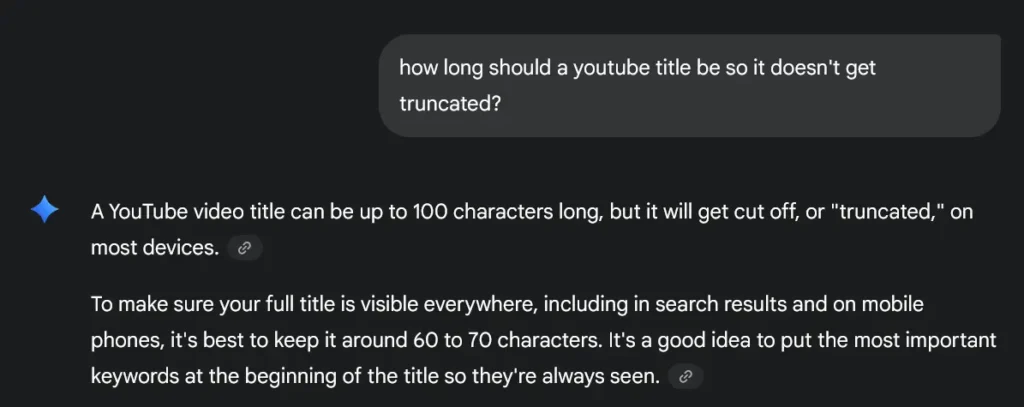
“A YouTube video title can be up to 100 characters long, but it will get cut off, or “truncated,” on most devices.
To make sure your full title is visible everywhere, including in search results and on mobile phones, it’s best to keep it around 60 to 70 characters. It’s a good idea to put the most important keywords at the beginning of the title so they’re always seen.”
Link:https://g.co/gemini/share/bfc8b9f88801
The New “PDST” Formula To Check YouTube Title Cut Off Limit on Various Devices
PD = Placement and Device (e.g., YouTube homepage on Mobile device)
S = Safe Length
T = Truncated Length
YouTube has several types of pages and sections (e.g., homepage, notification bar section, search page, channel page etc.) and each page and/or section has different video title truncation limits.
What’s more, these limits vary by device type (desktop vs mobile).
| Placement / Device | Safe Length (Not Truncated) | Truncated Length |
|---|---|---|
| Home page – Desktop | 🟢 Up to 55 chars | 🔴 Above 65 chars |
| Home page – Mobile | 🟢 Up to 50 chars | 🔴 Above 60 chars |
| Channel homepage – Desktop | 🟢 Up to 45 chars | 🔴 55 chars |
| Channel homepage – Mobile | 🟢 Up to 40 chars | 🔴 45 chars |
| Search page – Desktop | 🟢 No limit | 🟢 No limit |
| Search page – Mobile | 🟢 Up to 45 chars | 🔴 55 chars |
| Suggested – Desktop | 🟢 Up to 55 chars | 🔴 60 chars |
| Suggested – Mobile | 🟢 Up to 65 chars | 🔴 70 chars |
| Notifications (Desktop & Mobile) | 🟢 No limit | 🟢 No limit |
Should You Always Abide By The Rules and Stay Under the Video Title Truncation Limit?
No, you don’t have to play by the rules all the time.
YouTube is a creative platform, and you are a creator.
You don’t have to treat it like a desk job and make sure everything goes by the “rules”.
There are no rules.
Many YouTube videos have gone viral without conforming to the traditional title limit.
So don’t worry too much about your title being too long or getting cut off. Just have fun. Experiment with different title lengths and see what works.
Also check out other creators in your niche, and other niches. See what works for them. Then you can try and replicate their titles or take inspiration from them.
What’s more: truncated titles (when done right) can create more curiosity and cause you to get the click.
It’s like a pattern interrupt: people will be like, “Hmmm… I wonder what the whole thing says… let me click that.”
But it only works if your title is interesting and triggers people’s emotions in the first place.
Here’s how you can do that:
2 Tricks To Craft YouTube Titles That Get Clicks on Autopilot (92% Success Rate)
1. Your Title Should Be New/Unique
People click on titles that tell them, “Hey, look at this, you haven’t seen this before”.
If the user reads your title and thinks, “I know what this is”, they will scroll off faster than Mr. Beast goes viral.
People like new and novel things. It builds curiosity and creates a pattern interrupt in their feeds.
And even if you can’t add 100% new and unique topics in your title, try re-naming and re-framing old concepts in your own weird, fun way.
When you brain storm unique title ideas, ask yourself, “Will this stand out when a doom-scroller sees this while binging YouTube?”.
2. Your Title Should Be Useful
This might be obvious but your title should provide a benefit to the viewer.
Make a promise.
What will the viewers get if they give you their time?
Is it money? health? wisdom? a new perspective? the latest information? help with something?
Whatever it is, make sure you tell the reader “what they get” when they click.
Need to find your YouTube video’s unique ID? Use our YouTube Video ID Finder tool.
Want to know the title of this YouTube video ID: “hhk4n9a0oca”? Check out hhk4n9a0oca YouTube Video Title.